


Every AI application that retrieves information — chatbots, search, agents — needs a place to store and find meaning fast. That place is a vector database.
This guide breaks down what vector databases are, compares the leading options, and covers the decision step most guides skip: getting clean data into your database in the first place.
What Is a Vector Database?
A vector database stores embeddings — lists of numbers that represent the meaning of text, images, or other data — and finds the closest matches using similarity search. Unlike traditional databases that match exact keywords, vector databases find results that are semantically similar to a query, even when the words differ.
Embeddings are the key. An embedding model (like OpenAI's text-embedding-ada-002 or open-source alternatives) converts text into a numerical vector. Similar meanings produce vectors that are close together in high-dimensional space. A vector database stores millions or billions of these vectors and retrieves the nearest neighbors in milliseconds.
Why now? The explosion of RAG (Retrieval-Augmented Generation) and AI agents has made vector search essential. According to one market analysis, the global vector database market was valued at USD 1.7 billion in 2023 and is projected to grow to USD 7.3 billion by 2030, at a CAGR of 23.7%.
Why Vector Databases Matter for RAG
RAG stands for Retrieval-Augmented Generation. The idea is simple: instead of relying only on what an LLM memorized during training, you retrieve relevant documents at query time and feed them to the model as context. The model then generates an answer grounded in real data.
This pattern is everywhere. Per K2View's 2024 enterprise survey, 86% of enterprises deploying GenAI are augmenting their LLMs with RAG. And Grand View Research's RAG report estimates the RAG market was USD 1.2 billion in 2024 and will reach USD 11.0 billion by 2030 — a 49.1% CAGR.
A vector database is the retrieval engine behind RAG. It holds your embeddings and returns the most relevant chunks when a user asks a question.
How Vector Databases Work (Embeddings, Indexes, and Search)
Understanding the internals helps you evaluate tradeoffs. At a high level, data flows through a pipeline: raw content becomes embeddings, embeddings get indexed, and queries search that index.
The index is what makes retrieval fast. Without it, you'd have to compare a query vector against every stored vector — impossibly slow at scale.
The Retrieval Pipeline, Step by Step
Before you can query a vector database, data has to flow through several stages. Most guides start at the embedding step, but the earlier stages determine retrieval quality.
- Key point: Source — Collect raw data from the web, documents, or internal systems.
- Key point: Clean — Remove boilerplate, ads, navigation, and HTML noise. This step is critical for web scraping for RAG.
- Key point: Chunk — Split text into smaller passages (e.g., 500 tokens). Chunking strategy affects what the model retrieves.
- Key point: Embed — Convert each chunk into a vector using an embedding model.
- Key point: Store and query — Insert vectors into the database. At query time, embed the user's question and find the closest vectors.
Stages 1–3 happen before the database. Get them wrong, and even the best vector database returns irrelevant results.
What to Look for in the Best Vector Database
No single database is objectively "the best." The right choice depends on your scale, existing stack, operational appetite, and budget.
Below are the key criteria that matter most in practice.
Performance, Scale, and Indexing
Performance boils down to three metrics: latency (how fast a query returns), throughput (queries per second), and recall (accuracy of results).
These depend heavily on the ANN (Approximate Nearest Neighbor) algorithm the database uses. Common index types include:
- HNSW — Hierarchical Navigable Small World graphs. Fast queries, higher memory.
- IVF — Inverted File Index. Good balance for large datasets.
- DiskANN — Designed for billion-scale datasets that don't fit in RAM.
Per Qdrant's own benchmarks, Milvus is the fastest when it comes to indexing time, but it's not on-par with others when it comes to RPS or latency at higher dimensions. Vendor benchmarks are not neutral — always test with your own data.
Hybrid Search and Metadata Filtering
Hybrid search combines vector similarity with traditional keyword (BM25) matching. This matters when users search for specific terms (like product SKUs or names) that semantic search alone might miss.
Metadata filtering lets you narrow results by attributes — for example, returning only documents from a specific date range or category. Most production RAG apps need both capabilities.
Open Source vs. Managed
Open source options (Qdrant, Milvus, Weaviate, pgvector, Chroma) give you control, avoid vendor lock-in, and can be cheaper at scale — but you own the infrastructure and ops burden.
Managed services (Pinecone, Zilliz Cloud, Qdrant Cloud, Weaviate Cloud) handle provisioning, scaling, and maintenance. Faster to start, but pricing scales with usage.
Many teams prototype with open source locally, then evaluate managed services when they scale.
Cost and the Total RAG Bill
Database hosting is only part of the cost. A full RAG pipeline also includes:
- Embedding API calls — charged per token or per request.
- Data ingestion and compute — scraping, cleaning, and chunking at scale.
- Storage — vectors, metadata, and source documents.
- Operational overhead — monitoring, re-indexing, backups.
Compare total cost of ownership, not just the database line item.
The Best Vector Databases Compared
The market has consolidated around a handful of leading options. Below is a comparison table, followed by quick profiles.
No tool is universally "best." The right choice depends on your stack, scale, and operational preferences.
| Database | Type | Best for | Deployment |
|---|---|---|---|
| Pinecone | Managed | Zero-ops, fast start | Cloud only |
| pgvector | Open source (extension) | Postgres users, SQL workflows | Self-hosted or managed Postgres |
| Qdrant | Open source | Real-time, rich filtering | Self-hosted, cloud |
| Weaviate | Open source | Hybrid search, built-in modules | Self-hosted, cloud |
| Milvus / Zilliz | Open source / managed | Massive scale (billions+) | Self-hosted, Zilliz Cloud |
| Chroma | Open source | Prototyping, embedded use | In-process, local |
Pinecone
Pinecone is a fully managed, closed-source vector database designed for zero-ops. You don't run any infrastructure — just call the API.
- Key point: Scales to billions of vectors with automatic sharding.
- Key point: Supports metadata filtering and hybrid search via sparse-dense vectors.
- Key point: Best for teams that want to ship fast without managing infrastructure.
Pricing has changed over time. Check Pinecone's official pricing page for current rates.
pgvector (PostgreSQL)
pgvector is an open-source extension that adds vector search to PostgreSQL. If you already run Postgres, you can add vector capabilities without a new database.
- Key point: Full SQL support — combine vector search with joins, filters, and transactions.
- Key point: HNSW and IVF indexing options.
- Key point: Best for teams already invested in Postgres who want a single system.
Per Tiger Data's benchmarks (formerly Timescale), pgvector with pgvectorscale achieved 28x lower p95 latency and 16x higher query throughput compared to Pinecone's storage-optimized (s1) index at 99% recall on 50M 768-dim embeddings (self-hosted).
Qdrant
Qdrant is an open-source vector database written in Rust. It's designed for real-time applications with rich filtering.
- Key point: Strong payload filtering — filter by any JSON attribute.
- Key point: Multiple SDKs (Python, JavaScript, Rust, Go).
- Key point: Best for apps that need fast filtering and real-time updates.
Available as self-hosted or via Qdrant Cloud.
Weaviate
Weaviate is an open-source vector database with built-in support for hybrid search and vectorization modules.
- Key point: Hybrid search combines BM25 keyword search with vector similarity out of the box.
- Key point: Integrations with OpenAI, Cohere, Hugging Face for automatic embedding.
- Key point: Best for teams that want an all-in-one solution with less code.
Available self-hosted, on Kubernetes, or via Weaviate Cloud.
Milvus / Zilliz
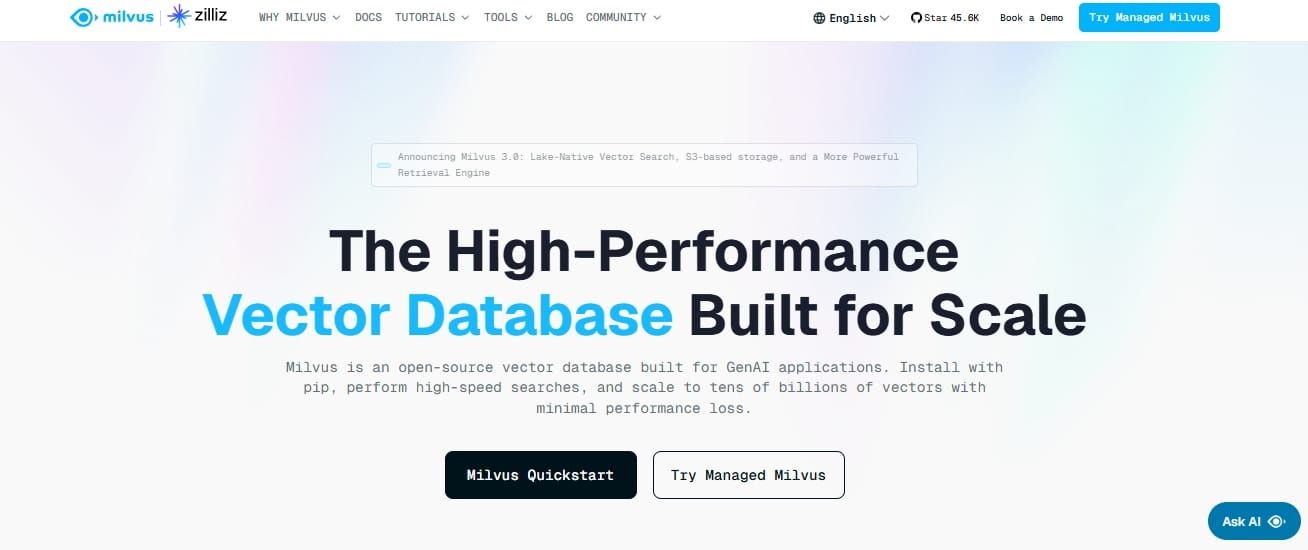
Milvus is an open-source vector database built for massive scale. Zilliz Cloud is the managed version from the creators of Milvus.
- Key point: Designed for tens of billions of vectors.
- Key point: Widest index support — HNSW, IVF, DiskANN, and GPU-accelerated options.
- Key point: Best for teams with extreme scale requirements.
Per Milvus documentation, Milvus scaled to tens of billions of vectors in 2023, powering large-scale scenarios for over 300 major enterprises.
Chroma
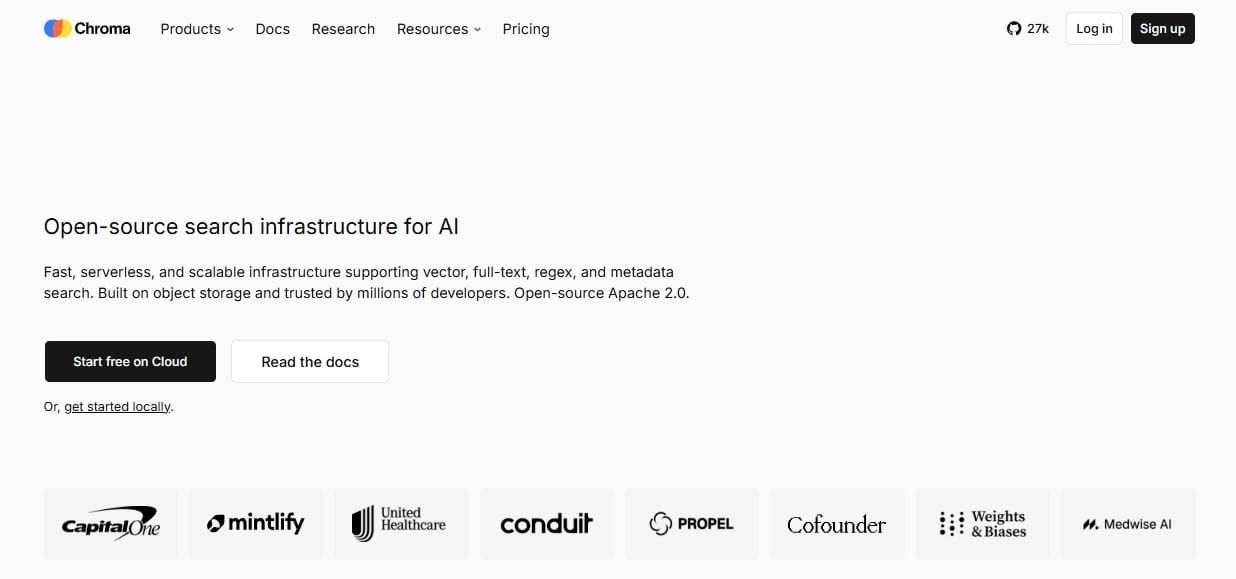
Chroma is a lightweight, embedded vector database that runs in-process. It's designed for fast prototyping and local development.
- Key point: Zero infrastructure — runs alongside your Python code.
- Key point: Great for RAG prototypes, notebooks, and small datasets.
- Key point: Not optimized for production-scale workloads.
Best for getting started quickly and validating ideas before scaling.
How to Benchmark and Choose for Your Use Case
Vendor benchmarks are marketing tools. Conditions vary (hardware, dataset size, recall targets), and every vendor optimizes for scenarios that favor their product.
The only benchmark that matters is one you run yourself, with representative data and realistic query patterns.
A simple framework for choosing:
- Start from your existing stack. Already run Postgres? Evaluate pgvector first.
- Estimate your scale. Millions of vectors? Most options work. Billions? Narrow to Milvus, Pinecone, or Qdrant.
- Decide on ops appetite. Want zero ops? Go managed. Want control? Self-host.
- Set a budget. Factor in embedding costs and data prep, not just the database.
- Run your own tests. Measure latency, throughput, and recall@k with your data.
For reproducible comparisons, VectorDBBench results — an open-source tool sponsored by Zilliz, the company behind Milvus — run standardized cases across six systems (Milvus, Zilliz Cloud, Elasticsearch, Qdrant Cloud, Weaviate Cloud, pgvector) on an 8-core, 32 GB host. Use it as a starting point, then test with your own workloads.
The Step Everyone Skips: Getting Clean Data Into Your Vector Database
Most vector database guides assume you already have clean, well-structured text ready to embed. In practice, that's rarely true.
The quality of your retrieval is capped by the quality of your input data. A state-of-the-art database can't fix noisy, boilerplate-filled, or outdated source documents.
Getting data into a vector database requires a pipeline:
- Source — Where does your data come from? Often the open web: documentation sites, knowledge bases, product pages.
- Clean — Strip navigation, ads, headers, footers, and HTML noise. Raw HTML produces terrible embeddings.
- Chunk — Split into passages sized for your embedding model (typically 200–1,000 tokens).
- Embed — Run chunks through your embedding model.
- Load — Insert vectors with metadata into the database.
A RAG data ingestion tool handles the first three steps. It turns messy web pages into clean, boilerplate-free Markdown that chunks well and embeds cleanly. Olostep's Web Data API produces Markdown or structured JSON from any URL, with full JavaScript rendering and proxy rotation, so you get the content you see in a browser — not a broken HTML dump.
For low-latency repeat retrieval, semantic indexing and caching lets you serve cached results in 50–200 ms instead of 2–10 seconds for live scrapes.
Keep Your Index Fresh and Citable
Source data changes. If your index is stale, your RAG answers are stale — or worse, wrong.
Preserving source URLs and metadata matters too. When your AI cites its sources, users can verify the answer. Source-attributed extraction keeps provenance intact through the pipeline.
For agentic AI workflows, automated re-ingestion is essential. An automated research agent can run on a schedule — daily, weekly, or on-demand — to refresh your index with the latest data. That way, your retrieval layer stays current without manual effort.
Frequently Asked Questions
What is the best vector database?
There's no single winner. The best vector database depends on your scale, existing stack, operational preferences, and budget — evaluate based on your specific requirements.
Which vector database is best for RAG?
Any of the leading options (Pinecone, pgvector, Qdrant, Weaviate, Milvus, Chroma) works for RAG. The bigger lever is clean, well-chunked source data — that determines retrieval quality more than the database choice.
Do I need a dedicated vector database or can I use PostgreSQL?
pgvector is enough if you already run Postgres and operate at modest scale (millions of vectors). Dedicated vector databases help when you need billions of vectors or advanced features like real-time updates and rich filtering.
Are open source vector databases free?
The software is free to self-host, but you still pay for infrastructure (servers, storage) and operational overhead (monitoring, backups, upgrades).
What is the difference between Pinecone and pgvector?
Pinecone is a fully managed, closed-source service — you call an API and don't run infrastructure. pgvector is an open-source extension you add to a PostgreSQL database you operate yourself.
How do I get clean data into a vector database?
Source your data, clean it (remove boilerplate and HTML noise), and chunk it before embedding. A web data API produces boilerplate-free Markdown from any URL, ready to chunk and embed directly.