


Artificial intelligence models are powerful, but they are inherently limited by their training data. Studies show that large language models can produce incorrect or fabricated information in 15% to 50% of responses, especially in complex or domain-specific tasks.
This is largely because these models rely on static, pre-trained data and without access to real-time information, leading to issues with accuracy, timeliness, and factual grounding.
To address this, developers are increasingly integrating web data APIs like Olostep that enable AI systems to retrieve fresh, relevant, and verifiable information from the internet.
These APIs are now essential for modern AI applications, including autonomous agents, retrieval-augmented generation (RAG) systems, market intelligence, and workflow automation.
In this guide, we explore the 9 best web data APIs powering real-time AI applications.
What are the Best Web Data APIs in 2026?
Choosing the right web data API depends on your specific use case, whether it’s AI agents, RAG pipelines, or large-scale scraping. The table below compares the top 9 APIs based on features, data type, integration, and pricing to help you make an informed decision.
API | Best For | Key Features | Data Type | Integration | Output Format | Free Plan | Pricing |
Large-scale structured scraping, AI agents, RAG, website audits for SEO / GEO | JS rendering, anti-bot bypass, batch scraping (100k+ URLs), custom JSON parsers, automation workflows | Scraping + Structured | REST, Python, Node.js | JSON, Markdown, HTML, PDF | ✅ Yes (500 requests) | Starts $9 per month; Public Scale plan goes down to $0.399 per 1K successful requests, with JS rendering and residential IPs included. Enterprise/custom pricing can go as low as $0.30 per 1K at scale. | |
AI search & RAG pipelines | Real-time search, AI-optimized results, content extraction, domain filtering, LLM-ready outputs | Search + Extraction | REST, Python, JS, LangChain, LlamaIndex | JSON (structured results + summaries) | ✅ Yes (1,000 credits/month) | Starting at 0.008 per credit (pay as you go) | |
Semantic search for AI agents | Embedding-based search, domain filtering, content retrieval, low latency | Search | REST API | JSON (search results + content) | ✅ Yes, upto 1,000 requests | $5 per 1,000 searches (base) | |
LLM-ready web scraping & crawling | Crawl + scrape, markdown output, schema extraction, AI pipeline integrations | Scraping + Search | REST, Python, JS, LangChain | Markdown, JSON, HTML, screenshots | ✅ Yes (500 credits, one-time) | $16 per month (credit-based) | |
Enterprise-grade web scraping | Proxy network (195 countries), CAPTCHA bypass, JS rendering, scheduler, structured parsing | Scraping | REST API, integrations with AI tools | JSON, HTML | ❌ No free credits | $0.25 per 1K results | |
Privacy-focused web search | Independent web index, zero data retention, low latency, large-scale search | Search | REST API | JSON (ranked search results) | ⚠️ Limited free plan | $5.00 per 1,000 requests | |
Companies, Employees and Jobs Data | Large-scale public web data, company and employee datasets, firmographic and people data | Structured | REST API | JSON | ✅ Yes, (200 Collect, 400 Search credits) | $49 per month | |
Google SERP data scraping | Real-time Google results, structured SERP data, global proxies, high reliability | Search | REST API, multiple SDKs | JSON | ❌ No free plan | $25 per month | |
No-code web scraping & automation | Visual scraping, workflow automation, scheduled monitoring, integrations | Scraping | No-code + API + Zapier | JSON, CSV | ✅ Yes (limited tasks) | $19 per month |
1. Olostep — Best for All-in-One Web Data Extraction for AI
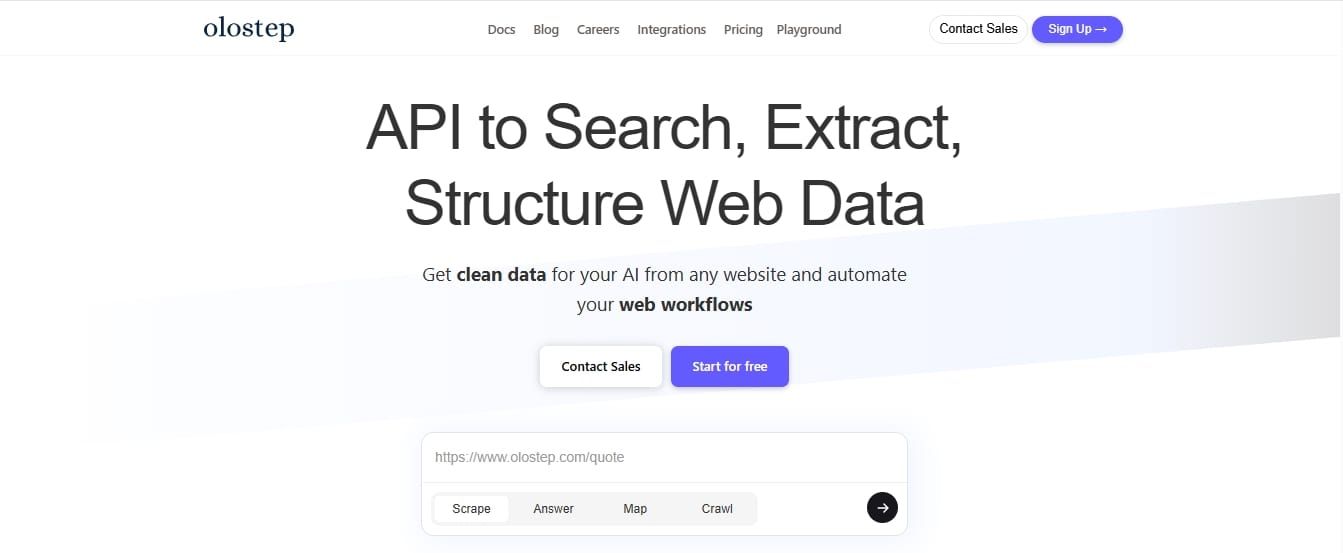
Olostep is a web data API platform built for search, scraping, crawling, and structured data extraction. It helps AI teams collect fresh web data and convert it into usable outputs such as JSON, Markdown, HTML, and PDF.
Quick Snapshot
- Core Functionality: Web search, scraping, and crawling API for structured web data
- Unique Feature: Batch endpoint for large-scale and cost-effective data collection (10k URLs in 5-8 mins)
- Data Output: JSON, Markdown, HTML, PDF
- Starting Price: Starts from $9/month. Public pricing goes down to $0.399 per 1K successful requests on the Scale plan, and enterprise/custom plans can go as low as $0.30 per 1K at high volume.
Key Features
- Combines web search, crawling, scraping, and data structuring in one API
- Supports LLM-friendly outputs such as structured JSON and Markdown
- Enables schema-based extraction for consistent, clean data
- Handles JavaScript-heavy websites with built-in rendering
- Includes anti-bot handling and proxy management
- Supports batch processing for large-scale data extraction (10k urls in 5-10 mins)
- Designed for AI agents and automated workflows
- Olostep CLI help install and manage Olostep skills in your AI coding agents
Why Should You Choose Olostep?
Olostep stands out when your project moves beyond experimentation and into production-scale data needs. Instead of stitching together multiple tools for search, scraping, and data cleaning, it provides a single, scalable pipeline that reduces engineering overhead.
Through the Agents API of Olostep, you can build autonomous research agents that automate data pipelines and search tasks on a schedule, delivering structured results.
Compared to tools like Tavily or Exa, which focus primarily on search and retrieval, or Browse AI, which is designed for simpler automation workflows, Olostep is better suited for end-to-end data operations at scale. It is used by some of the fastest-growing AI startups for scraping large scale structured data.
Olostep is especially strong for teams that care about cost per successful request at scale. Unlike tools that charge differently for rendering, proxies, or advanced scraping features, Olostep includes JavaScript rendering and residential IPs in its public plans. On the Scale plan, public pricing goes down to $0.399 per 1K successful requests, with custom enterprise pricing available as low as $0.30 per 1K for high-volume customers.
It becomes particularly valuable when:
- You need consistent, structured data across large volumes of web sources
- Your system depends on reliable pipelines rather than one-off queries
- You want to avoid the long-term cost and complexity of maintaining in-house scraping infrastructure
While other tools may be easier for quick setups or smaller use cases, Olostep is a stronger fit for teams looking to build and scale AI products on top of web data.
Pros and Cons
Pros | Cons |
All-in-one API reduces integration complexity | May have a learning curve for advanced configurations |
Structured, LLM-ready outputs (JSON, Markdown) | Less lightweight for simple or one-off scraping tasks |
Supports large-scale batch processing | |
Handles JavaScript rendering and anti-bot challenges | |
One of the lowest comparable costs for AI-ready web data extraction: $0.399 per 1K successful requests publicly, and as low as $0.30 per 1K on custom high-volume plans. |
2. Tavily — Best for AI Search and RAG Pipelines
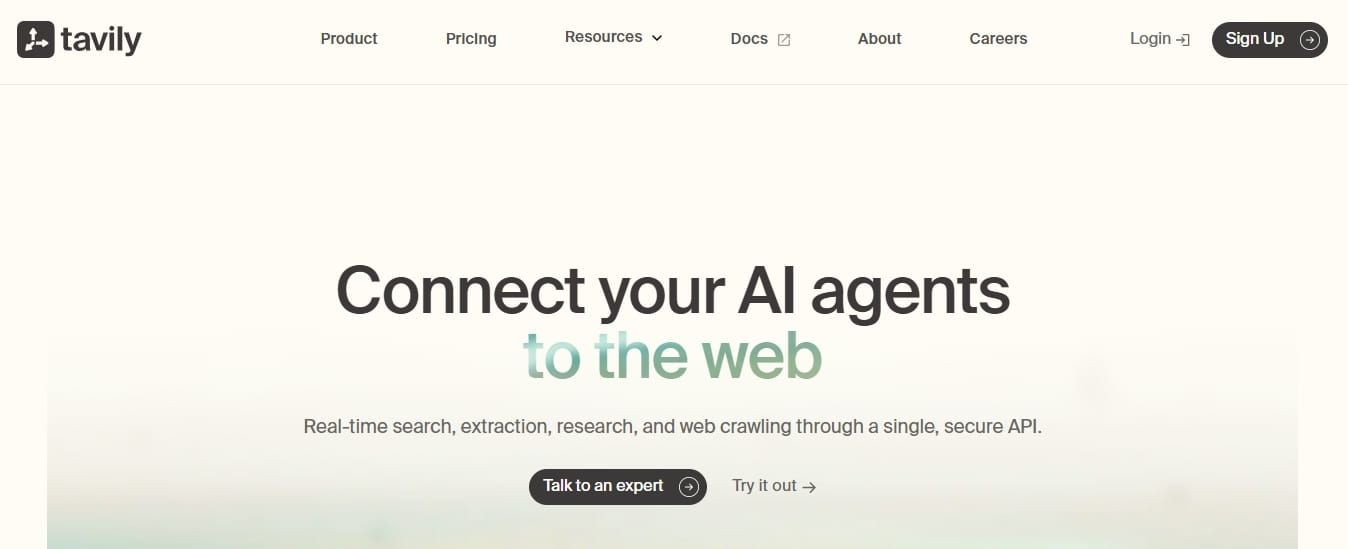
Tavily is an AI search API designed for agents and RAG pipelines. It helps applications retrieve real-time web results, summaries, and source-backed information in a format that is easier for LLMs to use.
Quick Snapshot
- Core Functionality: Real-time web search API optimized for AI applications
- Unique Feature: LLM-optimized search results with built-in summarization
- Data Output: Structured JSON (answers, sources, summaries)
- Starting Price: 0.008 per credit
Key Features
- Provides real-time web search results optimized for AI systems
- Returns LLM-friendly, structured responses with summaries and sources
- Supports domain filtering and search depth control
- Designed for low-latency retrieval in AI workflows
- Integrates with tools like LangChain and LlamaIndex
- Enables direct use in RAG pipelines without heavy preprocessing
Why Should You Choose Tavily?
Tavily is purpose-built for one thing: getting relevant, usable information into LLMs. Unlike general scraping tools, it focuses on search retrieval quality rather than data collection at scale.
It’s a strong choice when:
- Your application depends on accurate, up-to-date search results
- You need clean, summarized outputs instead of raw web pages
- You want to reduce preprocessing and speed up RAG pipelines
Compared to tools like SerpAPI or Brave Search API, which primarily return raw search results, Tavily adds an additional layer by structuring and summarizing data for direct LLM consumption.
However, it’s not designed for large-scale scraping or deep data extraction. If your use case requires full-page crawling or structured dataset generation, Olostep may be more suitable.
Tavily works best when search quality and speed matter more than data volume.
Pros and Cons
Pros | Cons |
All-in-one API reduces integration complexity | Newer platform compared to established scraping providers |
Structured, LLM-ready outputs (JSON, Markdown) | Less specialized than dedicated search-only APIs |
Supports large-scale batch processing | Pricing scales with heavy usage |
Handles JavaScript rendering and anti-bot challenges | Limited public benchmarking vs competitors |
Flexible schema-based data extraction | May have a learning curve for advanced configurations |
3. Exa — Best for Semantic Search for AI Applications
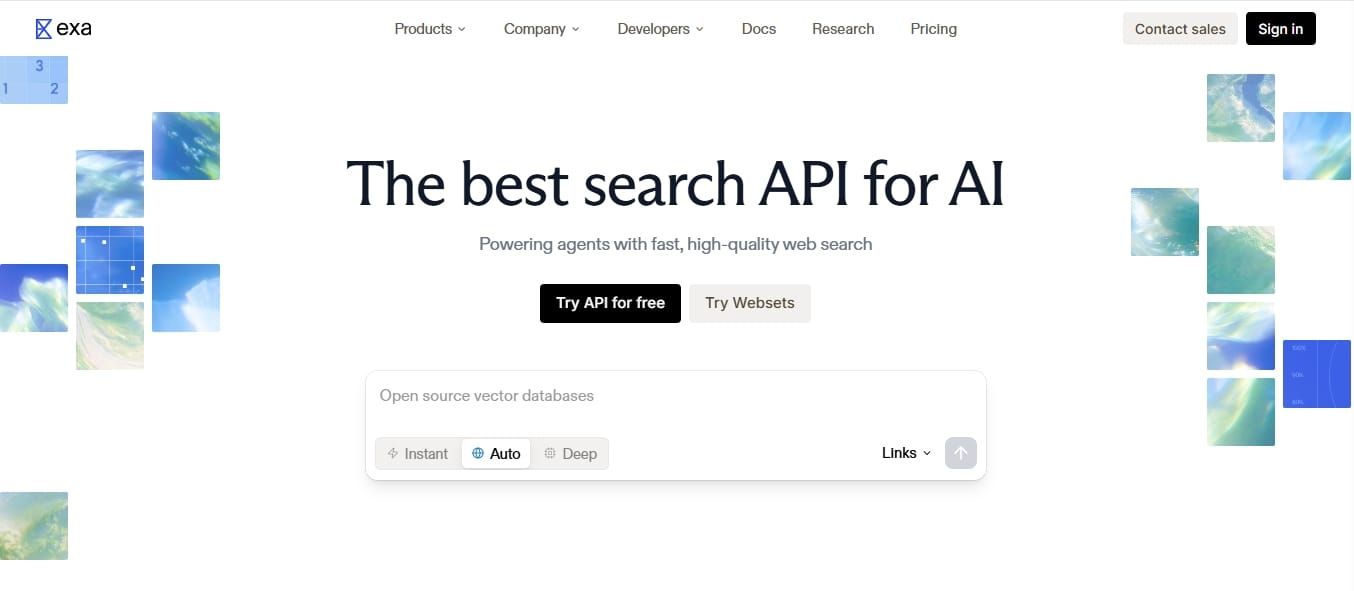
Exa is a semantic search API built for AI applications that need contextually relevant web results. It uses embedding-based retrieval to find content based on meaning rather than simple keyword matching.
Quick Snapshot
- Core Functionality: Embedding-based web search API for semantic retrieval
- Unique Feature: Uses embeddings to rank and retrieve results based on meaning, not just keywords
- Data Output: JSON (search results with full content extraction)
- Starting Price: $5 per 1k requests
Key Features
- Uses embedding-based semantic search for higher relevance
- Retrieves full page content, not just snippets
- Supports natural language queries for better context matching
- Provides domain filtering and result control
- Designed for low-latency, developer-friendly integration
- Enables content retrieval for downstream AI processing
Why Should You Choose Exa?
Exa is designed for applications where search relevance matters more than summarization. Instead of returning pre-processed answers, it focuses on retrieving high-quality, contextually relevant sources using semantic understanding.
It’s a strong choice when:
- You need deep, relevant content instead of surface-level summaries
- Your system relies on embedding-based retrieval for better context matching
- You want more control over how retrieved data is used or processed
It focuses on retrieval quality rather than pre-processed outputs. Instead of returning summarized or formatted responses, it provides raw but highly relevant content based on semantic understanding. This makes it well-suited for pipelines where you want full control over how data is processed, summarized, or used downstream.
However, it does not include built-in summarization or structured extraction. For use cases that require ready-to-use outputs or pre-formatted data, additional processing is required.
Pros and Cons
Pros | Cons |
High relevance using semantic (embedding-based) search | No built-in summarization |
Retrieves full content, not just snippets | Requires additional processing for structured outputs |
Strong for research and knowledge retrieval | Not designed for large-scale scraping |
Flexible for custom AI pipelines | Less “plug-and-play” for RAG compared to Tavily |
Supports natural language queries effectively | Limited structured data extraction capabilities |
4. Firecrawl — Best for easy setup for AI and RAG projects
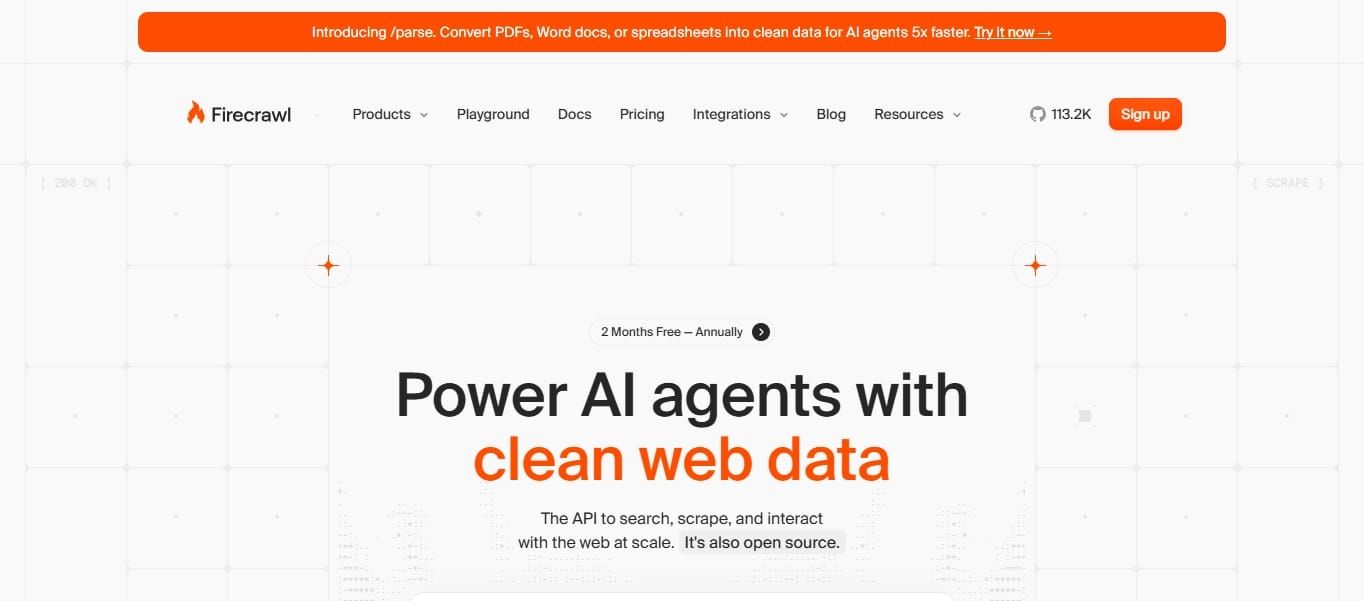
Firecrawl is a web scraping and crawling API designed to turn websites into LLM-ready data. It is commonly used for RAG pipelines, content ingestion, and AI applications that need clean Markdown or structured outputs.
Quick Snapshot
- Core Functionality: Web crawling and scraping API for AI-ready data extraction
- Unique Feature: Converts websites into LLM-ready formats like Markdown
- Data Output: Markdown, JSON, HTML, screenshots
- Starting Price: $16 per month
Key Features
- Converts content into LLM-friendly formats like Markdown and structured JSON
- Supports schema-based extraction for structured data workflows
- Handles JavaScript-heavy websites with headless browsing
- Integrates with LangChain and LlamaIndex for RAG pipelines
Why Should You Choose Firecrawl?
Firecrawl is designed for use cases where you need to convert web content into structured data to be used by AI systems. Instead of working with raw HTML, it simplifies the process by delivering processed, readable content.
It’s a strong choice when:
- You need to set up something quickly
- Your workflow depends on clean content rather than raw pages
- You want to reduce the effort required to clean and format web data
Firecrawl focuses on making web data usable for LLMs, especially in applications where content needs to be indexed, stored, and retrieved efficiently.
Pros and Cons
Pros | Cons |
LLM-ready output formats reduce preprocessing effort | Not designed for real-time search use cases |
Can crawl entire websites efficiently | Less control over low-level scraping configurations |
Supports structured extraction and schema-based workflows | May require tuning for complex sites |
Handles JavaScript-heavy pages | Pricing scales with usage |
Strong fit for RAG pipelines | Not suited for large business needs |
5. Oxylabs — Best for Enterprise-Grade Proxy Network
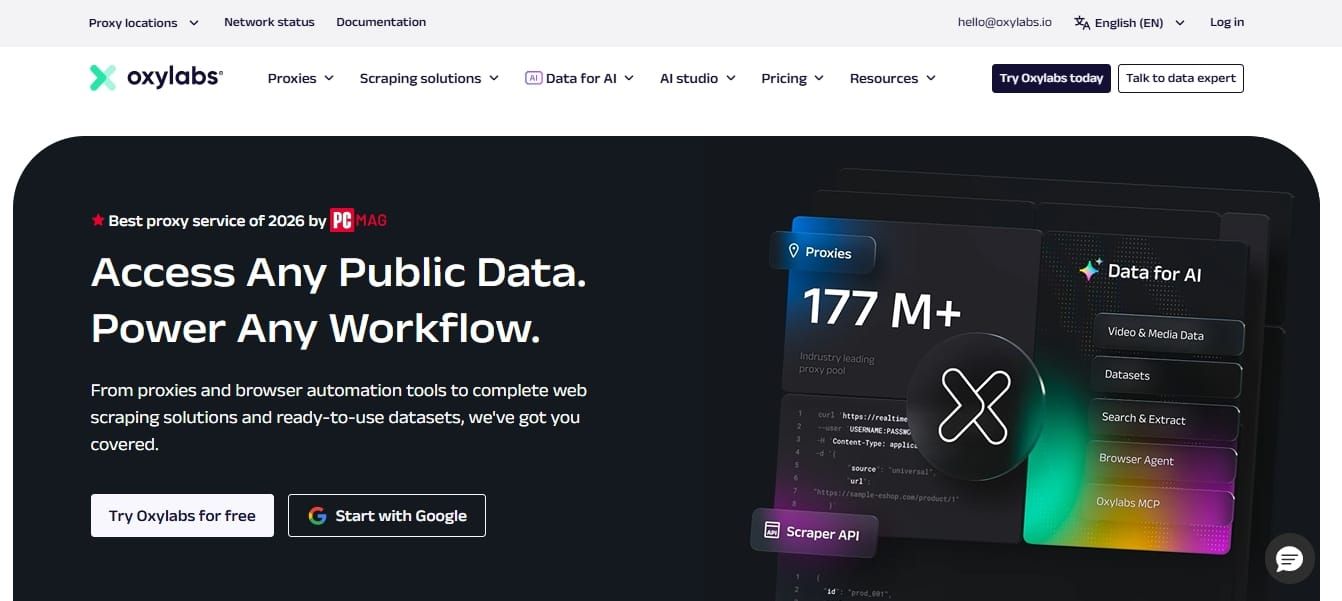
Oxylabs is an enterprise web scraping and proxy infrastructure provider. It helps businesses collect data from complex websites using proxies, JavaScript rendering, CAPTCHA handling, and structured data extraction tools.
Quick Snapshot
- Core Functionality: Enterprise-grade infrastructure with proxy networks and data extraction APIs
- Unique Feature: Global proxy network with advanced anti-bot bypass capabilities
- Data Output: JSON, HTML
- Starting Price: $0.25 per 1K results
Key Features
- Operates a global proxy network covering millions of IPs across multiple regions
- Handles CAPTCHAs, IP blocks, and anti-bot systems
- Supports JavaScript rendering for dynamic websites
- Includes pre-built scrapers for specific domains (e.g., eCommerce, search engines)
- Offers scheduler and automation tools
Why Should You Choose Oxylabs?
Oxylabs is built for scenarios where scale, reliability, and access to hard-to-scrape data are critical. It focuses on providing the underlying infrastructure needed to collect large volumes of web data consistently.
It’s a strong choice when:
- You need to collect data on your own across multiple regions and websites
- Your targets include heavily protected or dynamic websites
- You require high uptime and consistent data delivery in production environments
Unlike tools focused on simplifying outputs for AI, Oxylabs prioritizes data access and scraping reliability, giving you the flexibility to build custom data pipelines on top.
However, it does not focus on structuring data specifically for LLMs, so additional processing may be required to make the data AI-ready.
Pros and Cons
Pros | Cons |
Highly scalable proxy infrastructure | Requires additional processing for LLM-ready outputs |
Strong anti-bot bypass and proxy capabilities | More complex setup compared to no-code tools or core Web Data APIs |
Supports global data collection across regions | Not optimized specifically for AI workflows |
Reliable proxy pool for enterprise-level use cases | Can be expensive at large scale |
Handles dynamic and protected websites effectively | Less focus on structured data extraction |
6. Brave Search API — Best for Independent Real-Time Web Search Data
Brave Search API provides access to web search results from Brave’s independent search index. It is useful for applications that need privacy-focused, real-time search data without relying on Google or Bing.
Quick Snapshot
- Core Functionality: Web search API powered by an independent search index
- Unique Feature: Uses its own search index instead of relying on third-party engines
- Data Output: JSON (ranked search results)
- Starting Price: $5.00 per 1,000 requests
Key Features
- Provides real-time web search results via an independent index
- Does not rely on Google or Bing data sources
- Returns structured JSON results for easy integration
- Designed for low-latency search queries
- Supports pagination and filtering for result control
- Built with a focus on privacy and minimal data tracking
Why Should You Choose Brave Search API?
Brave Search API is a strong choice when you need direct access to web search data without dependency on third-party search engines. Its independent index offers more control and transparency over how results are sourced and delivered.
It’s particularly useful when:
- You want a reliable, standalone search data source
- Your application depends on real-time access to web results
- You prefer a solution that emphasizes privacy and minimal tracking
Since it focuses on delivering raw search results, it does not include built-in summarization or content extraction. This makes it better suited for workflows where you want to handle processing and ranking logic independently.
Pros and Cons
Pros | Cons |
Independent search index (no reliance on Google/Bing) | No built-in summarization or LLM optimization |
Real-time, structured search results | Limited content extraction capabilities |
Privacy-focused approach | Requires additional processing for AI pipelines |
Simple API integration | Not designed for web scraping or crawling |
Good for building custom search systems | Less control over deep content retrieval |
7. Coresignal - Best for Company and Employee Data for AI and Analytics
Coresignal is a structured data provider focused on company, employee, and job market data. It helps teams access cleaned business datasets for analytics, enrichment, market intelligence, and AI workflows.
Quick Snapshot
- Core Functionality: API and datasets for company, employee, and job market data
- Unique Feature: Large-scale B2B datasets with real-time API access
- Data Output: JSON, JSONL, CSV
- Starting Price: $49 per month
Key Features
- Provides company, employee, and job posting datasets at scale
- Offers API access for real-time data retrieval and enrichment
- Includes hundreds of millions of records across global datasets
- Supports search and collect workflows using credit-based system
- Data is structured, deduplicated, and enriched for immediate use
- Enables bulk data delivery for analytics and AI model training
- Offers historical data (e.g., headcount trends) for deeper insights
Why Should You Choose Coresignal?
Coresignal is designed for teams that need structured, ready-to-use company data at scale, without building scraping pipelines. It focuses on delivering high-quality datasets and APIs for company and workforce intelligence.
It’s a strong choice when:
- You need B2B datasets (company, employees or jobs) for analytics or AI models
- You want to enrich existing data pipelines with external business insights
Instead of collecting raw web data, Coresignal provides pre-processed, analytics-ready information, making it suitable for data-driven products and decision-making systems.
Pros and Cons
Pros | Cons |
Large-scale structured datasets (companies, employees, jobs) | Limited to business and workforce data domains |
Real-time API access with continuously updated records | Not suitable for general web scraping or search use cases |
Data is cleaned, deduplicated, and ready for use | Dataset pricing is high for large-scale access |
Flexible delivery (API + bulk datasets) | Requires understanding of credit-based usage model |
Supports analytics, enrichment, and AI training workflows | Less flexibility compared to raw data extraction tools |
8. SerpAPI — Best for Structured Search Engine Results (SERP Data)
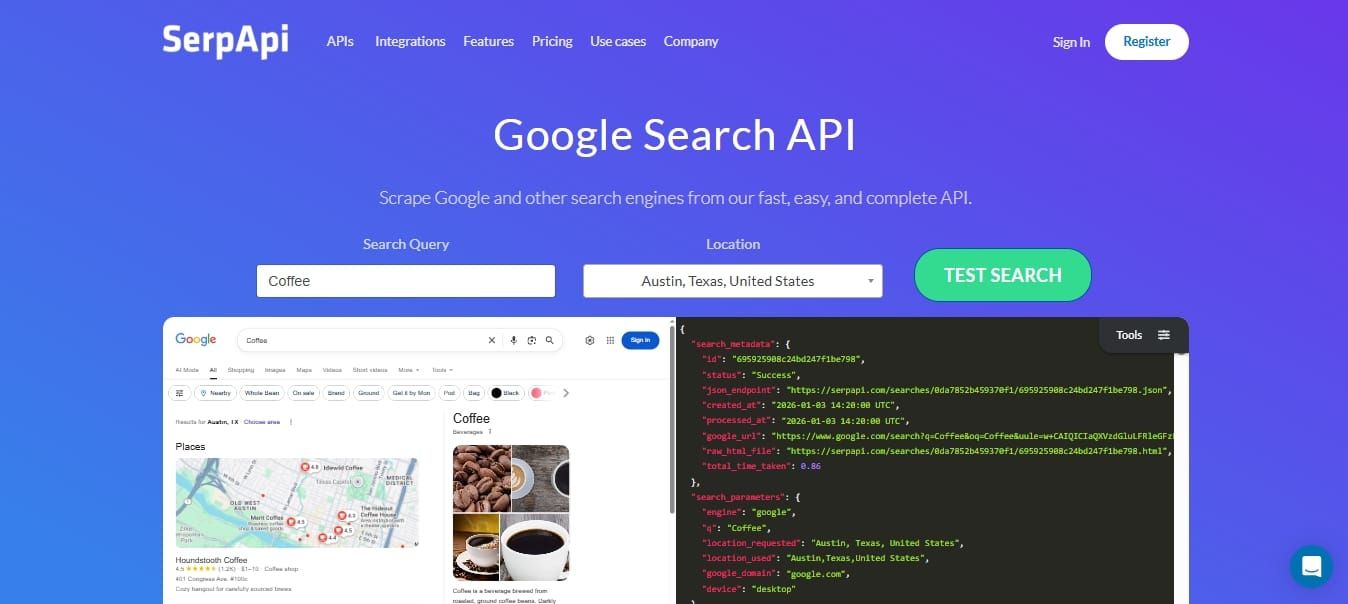
SerpAPI is a search engine results API that extracts structured data from Google and other platforms. It is commonly used for SEO tools, rank tracking, competitive analysis, and SERP-based data workflows.
Quick Snapshot
- Core Functionality: API for extracting structured search engine results (Google, Bing, etc.)
- Unique Feature: Returns fully parsed and structured SERP data with rich elements (ads, snippets, maps, etc.)
- Data Output: JSON, HTML
- Starting Price: $25 per month
Key Features
- Extracts real-time search engine results from Google and other platforms
- Returns structured JSON data, including organic results, ads, maps, and snippets
- Handles proxies, CAPTCHA solving, and browser rendering automatically
- Supports geo-targeted search queries for location-specific results
- Offers APIs for multiple platforms (Google, YouTube, Amazon, etc.)
- Provides high reliability with SLA-backed infrastructure (on higher plans)
Why Should You Choose SerpAPI?
SerpAPI is designed for use cases where you need accurate, structured search engine data without dealing with scraping complexity. It abstracts away infrastructure challenges like proxy management and CAPTCHA handling, allowing you to focus on using the data rather than collecting it.
It’s a strong choice when:
- You need consistent access to SERP data across multiple search engines
- Your application depends on structured search results (not raw HTML pages)
- You want to avoid maintaining your own scraping infrastructure
It is particularly useful for building:
- SEO and keyword tracking tools
- Competitive analysis platforms
- Data pipelines based on search engine insights
However, it is focused specifically on search engine data and does not provide broader web crawling or full-page content extraction.
Pros and Cons
Pros | Cons |
Highly structured SERP data (JSON-ready) | Limited to search engine results only |
Handles proxies, CAPTCHA, and scraping complexity | Not designed for full-page web scraping |
Supports multiple search engines and platforms | Costs can increase with high query volume |
Real-time and geo-targeted results | No built-in summarization or LLM optimization |
Reliable infrastructure with SLA options | Requires additional processing for AI workflows |
9. Browse AI — Best for No-Code Web Scraping and Automation
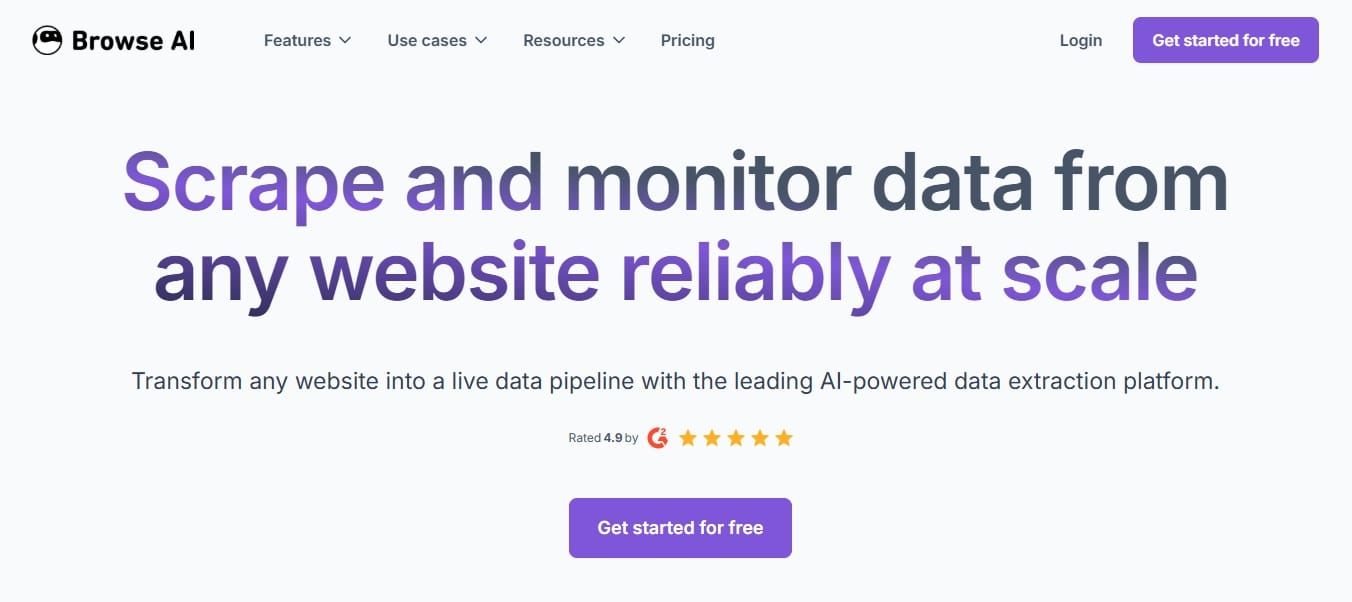
Browse AI is a no-code web scraping and automation platform. It allows users to train bots, extract data from websites, monitor page changes, and automate recurring data collection tasks without writing code.
Quick Snapshot
- Core Functionality: No-code web scraping and data extraction platform with automation
- Unique Feature: Visual point-and-click interface to train bots without coding
- Data Output: JSON, CSV
- Starting Price: $19 per month
Key Features
- Offers no-code web scraping using a visual interface
- Allows users to train bots by selecting elements on a webpage
- Supports scheduled scraping and automated monitoring
- Provides prebuilt robots for common use cases
- Enables integration via API, Zapier, and other tools
- Exports data in structured formats like JSON and CSV
Why Should You Choose Browse AI?
Browse AI is designed for users who want to extract data from websites without writing code. It simplifies web scraping into a visual workflow, making it accessible for non-developers and small teams.
It’s a strong choice when:
- You need to quickly set up scraping tasks without engineering effort
- Your use case involves monitoring specific pages or data points over time
- You prefer a visual, automation-first approach to data extraction
It works well for lightweight workflows such as:
- Tracking price changes
- Monitoring competitor websites
- Extracting small to medium datasets
However, it is not built for complex scraping scenarios or large-scale data pipelines. As requirements grow, more customizable or scalable solutions may be needed.
Pros and Cons
Pros | Cons |
No-code interface makes it easy to use | Limited flexibility for complex scraping tasks |
Quick setup with visual bot training | Not designed for large-scale data extraction |
Supports scheduling and automation | Less control over advanced configurations |
Integrates with tools like Zapier | May struggle with heavily protected websites |
Good for small to medium use cases | Not optimized for AI-specific workflows |
How to Choose the Best Web Data API?
Choosing the best web data API is essential for building reliable AI applications, especially when accuracy, scalability, and real-time access matter. Different APIs are designed for different purposes; some focus on search, while others specialize in scraping or structured data extraction.
Here are the 7 key factors to consider:
Data Freshness
Ensure the API provides real-time or frequently updated data. This is critical for AI agents and RAG systems that rely on current information rather than static training data.
Relevance & Search Quality
For search-based APIs, the ability to return highly relevant and well-ranked results is crucial. APIs that use semantic or AI-driven ranking can significantly improve the quality of downstream outputs.
Structured vs Raw Output
Some APIs return raw HTML, while others provide clean, structured outputs like JSON or markdown. Structured data reduces preprocessing effort and improves reliability in AI pipelines. Olostep, for example, focuses on delivering LLM-ready, structured outputs.
JavaScript Rendering & Anti-Bot Handling
Modern websites rely heavily on JavaScript and often include anti-bot protections. Look for APIs that support headless browsing, proxy rotation, and CAPTCHA handling to ensure consistent data access.
Integration & Developer Experience
A good API should offer clear documentation, SDKs, and compatibility with AI frameworks such as LangChain or LlamaIndex. Some platforms, like Olostep, also combine search, scraping, and extraction into a single API, reducing integration complexity.
Scalability & Performance
If you're working with large datasets or production systems, choose an API that can handle high request volumes and batch processing without compromising performance.
Cost & Pricing Model
Most web data APIs follow usage-based or credit-based pricing. Evaluate cost per request, included features, and scalability to ensure it aligns with your budget and use case.
When comparing web data APIs, look beyond the monthly starting price. The more useful metric is cost per successful request, especially when JavaScript rendering, residential IPs, retries, and failed requests are involved. Olostep is built around predictable successful-request pricing, with public pricing down to $0.399 per 1K successful requests and custom high-volume pricing as low as $0.30 per 1K.
Which Web Data APIs Are Best for Different AI Use Cases?
Modern AI systems require a new kind of infrastructure to search, extract, and structure data efficiently. The right choice of web data API depends on your specific need, whether it’s real-time search, structured data extraction, or large-scale web scraping.
Below, we’ve mapped each API to its most relevant use cases to help you quickly identify the right tool for your AI workflow.
Use Case | API | Why It’s a Good Fit |
All-in-One Web Data APIs | Olostep | Combines search, crawling, scraping, and structured extraction in one API, useful for end-to-end AI data workflows |
Firecrawl | Provides crawling and scraping with LLM-ready outputs (Markdown/JSON) for content ingestion pipelines | |
Structured Business Data & SEO Analysis | Olostep | Extracts structured data from websites using custom schemas, useful for SEO audits, content analysis, and AI datasets |
Crust Data | Offers enriched company and business intelligence datasets for analytics, enrichment, and market research | |
AI Agents | Olostep | Supports multi-step data retrieval, extraction, and structuring for end-to-end AI agent workflows |
Exa | Uses semantic (embedding-based) search for high-relevance content retrieval | |
Firecrawl | Converts websites into clean, structured formats for agent workflows | |
Tavily | Optimized for AI search with LLM-friendly summarized results for fast reasoning | |
RAG (Retrieval-Augmented Generation) | Olostep | Extracts and structures web data into consistent formats suitable for RAG pipelines |
Firecrawl | Extracts and formats web content into clean structures for retrieval pipelines | |
Tavily | Provides real-time search with structured outputs for grounding LLM responses | |
Large-Scale Web Scraping (Price Tracking, Competitor Monitoring) | Olostep | Supports batch processing and structured extraction for large-scale data collection workflows |
Oxylabs | Enterprise-grade scraping with proxy infrastructure and high scalability for large datasets | |
Browse AI | No-code scraping with scheduling, useful for monitoring and smaller-scale automation | |
Real-Time Search Data for AI Applications | Olostep | Supports web search and extraction for real-time AI workflows and agents |
Tavily | AI-optimized search with summarization and structured output | |
SerpAPI | Provides structured search engine results (Google, etc.) with high reliability | |
Brave Search API | Independent search index with privacy-focused, real-time results |
What Are the Challenges and Considerations of Using Web Data APIs?
Web data APIs can significantly improve AI systems, but they also create trade-offs.
These trade-offs become more important in production environments, especially for AI agents, RAG pipelines, and large-scale data workflows.
1. Data Quality and Consistency
Not all web data APIs return clean, accurate, or consistent data. Search APIs may return irrelevant results. Scraping APIs can also break when website structures change.
For reliable AI workflows, you may still need validation, filtering, deduplication, and fallback logic in your pipeline.
2. Cost at Scale
Most web data APIs use usage-based or credit-based pricing. Costs can increase quickly with frequent queries, large crawls, or high-volume scraping jobs. What works during testing can become expensive in production.Always estimate:
- Cost per request
- Monthly request volume
- Cost per user or action
- Cost of retries, failed requests, and duplicated data
3. Latency and Performance
Real-time web data APIs introduce network delays. Slow API responses can affect AI agents, applications, dashboards, and user-facing workflows.
For performance-critical systems, you may need:
- Caching layers
- Async processing
- Pre-fetching for important workflows
- Timeout and retry rules
4. Rate Limits and Reliability
Most APIs enforce rate limits to control usage. These limits can block requests during peak periods or large batch jobs. Uptime, response speed, and error handling also vary by provider.
For production systems, plan for:
- Retry mechanisms
- Backup APIs
- Queue management
- Graceful failure handling
5. Anti-Bot and Access Restrictions
Some websites actively block automated access, even when using scraping APIs. This can affect data availability, accuracy, and coverage.
Common issues include:
- Failed requests
- Incomplete data
- CAPTCHA blocks
- Region-specific results
- Inconsistent access across websites
6. Legal and Compliance Risks
Web data APIs must be used responsibly.
You should always review website terms, copyright restrictions, and privacy regulations before collecting data. This is especially important when handling personal, restricted, or sensitive information.
Key areas to check include:
- Website terms of service
- GDPR and data privacy laws
- Copyright restrictions
- Consent and data storage requirements
Avoid collecting or storing personal data without a valid legal basis.
7. Data Freshness vs Stability
Real-time data improves accuracy, but it can reduce consistency. Search results, page content, prices, and business information can change between API requests. For some AI systems, this can make outputs harder to reproduce.
You may need:
- Versioned data
- Saved snapshots
- Controlled refresh intervals
- Source timestamps
- Change monitoring
8. Integration Complexity
Combining search, scraping, crawling, and processing APIs can increase system complexity. Without careful planning, web data workflows can become difficult to maintain.
Common problems include:
- Higher maintenance
- Debugging challenges
- Data pipeline failures
- Inconsistent output formats
- More engineering overhead
The best web data API should reduce this complexity, not add to it.
For AI applications, the right choice depends on your data source, output format, request volume, compliance needs, and production requirements.
Final Thoughts
Web data APIs have become essential for building accurate and reliable AI applications. From real-time search to large-scale scraping and structured data extraction, each API serves a specific role in modern AI workflows.
Choosing the best web data API depends on your use case, whether it’s powering AI agents, building RAG pipelines, or collecting business data at scale. As AI systems continue to evolve, integrating high-quality, real-time web data will be critical for performance and trust.
By selecting the right API, you can build more scalable, efficient, and data-driven AI solutions that go beyond the limitations of static models.
FAQs
What are web data APIs for AI?
Web data APIs for AI are tools that allow applications to retrieve, extract, and structure data from the internet in real time. They help AI systems access up-to-date information, reducing reliance on static training data and improving accuracy.
Why do AI agents need web data APIs?
AI agents need web data APIs to access current, relevant, and verifiable information from online sources. This allows agents to perform research, monitor changes, collect structured data, and complete tasks that require real-time context.
Which web data API is best for AI agent pipelines?
The best API depends on your use case, but Olostep is a strong choice for AI agent pipelines because it combines search, scraping, and structured data extraction in a single API. This makes it easier to build scalable, end-to-end data workflows.
Which web data API is best for RAG pipelines?
For RAG pipelines, the best web data API should provide fresh data, reliable source retrieval, and clean output formats. Olostep, Tavily, and Firecrawl are strong options because they support AI workflows and structured content extraction.
What is the difference between a web data API and a web scraping API?
A web data API is a broader category that can include search, scraping, crawling, and structured data extraction. A web scraping API focuses mainly on extracting content from web pages. Some tools combine both in one platform.
Which web data API provides LLM-ready output?
Several web data APIs provide LLM-ready outputs such as JSON, Markdown, summaries, or structured content. Olostep, Firecrawl, and Tavily are commonly used for AI workflows that need clean data for agents, RAG systems, or automation.
What should developers look for in a web data API?
Developers should look at data freshness, output format, JavaScript rendering, anti-bot handling, pricing, rate limits, integrations, and scalability. The right API should match the workflow, data source, and required output format.
Are web data APIs better than building an in-house scraper?
Web data APIs can reduce the cost and complexity of building an in-house scraper. They often handle infrastructure, proxy management, JavaScript rendering, and data formatting. However, custom scrapers may offer more control for very specific use cases.
Are web scraping APIs legal?
Web scraping APIs are legal when used in compliance with website terms of service, copyright laws, and data privacy regulations. It’s important to avoid scraping restricted content or personal data without permission.
Which web data API is best for large-scale scraping?
For large-scale scraping, the best API should support high request volumes, batch processing, proxy handling, and structured extraction. Olostep and Oxylabs are strong options for larger data collection workflows.
How do web data APIs help reduce AI hallucinations?
Web data APIs help AI systems access current and verifiable information from online sources. This gives models fresher context and stronger factual grounding, especially in complex or domain-specific tasks.
Can web data APIs be used for SEO analysis?
Yes. Web data APIs can be used for SEO analysis, website audits, SERP tracking, competitor monitoring, content extraction, and GEO workflows. APIs that return structured data are especially useful for repeatable SEO analysis.
How much do web data APIs cost?
Most web data APIs use monthly, usage-based, or credit-based pricing. Costs depend on request volume, output type, scraping complexity, rendering, proxies, and scale. For AI-ready web data extraction, Olostep starts at $9/month and goes down to $0.399 per 1K successful requests on the public Scale plan, with custom enterprise pricing available as low as $0.30 per 1K at high volume. Always compare providers based on successful requests, not just headline monthly pricing.